
The Resource Library
for writers
Most writers know about Microsoft Word and Canva, but professional publishing involves a much wider range of specialist tools. This collection includes resources for story planning, developmental editing, manuscript analysis, copyediting, editorial automation and book design. Some are designed for independent writers, while others offer a closer look at the software and working methods used by professional editors and publishing teams.
Fictionary
Best for developmental editing and scene-by-scene story analysis.
Fictionary examines plot, character, setting, point of view, tension and narrative structure through 38 story elements. Its StoryTeller software serves authors, while StoryCoach supports developmental and structural editors working with clients.
AutoCrit
Best for prose analysis, pacing, dialogue and repetition.
AutoCrit analyses fiction and non-fiction manuscripts through reports covering pacing, dialogue, word choice, repetition, readability, tense consistency and other writing issues. Its genre-comparison tools compare writing patterns with published work in selected categories.
Aeon Timeline
Best for chronology, continuity and complex plots.
Aeon Timeline lets writers organise events according to when they occur and where they appear within the book. Writers track characters, locations, ages, subplots and story arcs, making the software useful for historical fiction, mysteries, family sagas and stories with several timelines.
Dramatica
Best for advanced narrative structure and story theory.
Dramatica approaches a story as a connected narrative system. Writers examine conflict, character perspectives, themes, story progression and the underlying argument of a work. The platform now includes Story Decoder, Subtxt and Narrova, all based on Dramatica’s established story theory.
Perfectit
Best for professional consistency checking throughout a manuscript.
PerfectIt works within Microsoft Word and looks for inconsistent spelling, capitalisation, hyphenation, abbreviations, headings, numbers and editorial style choices. Editors also create customised styles for publishers, organisations and individual projects. PerfectIt complements Word’s spelling and grammar checker rather than replacing it.
Word Macro Tools by Paul Beverley
Best free resource for learning professional editing automation.
Paul Beverley provides more than 1,300 free Microsoft Word macros written for editors and proofreaders. The macros analyse manuscripts, highlight possible inconsistencies, perform repeated corrections and speed up common editorial tasks. The site also includes extensive free instructions and video training.
EditTools 10
Best for detailed copyediting and reference-heavy manuscripts.
EditTools is a specialist Microsoft Word suite designed to improve editorial accuracy and efficiency. Its tools support editorial queries, project datasets, reference checking, terminology control, repeated corrections, searches and time tracking. It suits academic, technical and complex non-fiction editing especially well.
Editor’s ToolKit Plus
Best for manuscript cleanup and preparation for editing.
Editor’s ToolKit Plus is a Microsoft Word add-in created specifically for text editing. It automates tasks involving quotations, formatting, notes, document cleanup, replacement operations and manuscript preparation. The latest Windows version supports Word 2013 onwards, while the older 2018 version supports Mac.
MarkMyWords
Best for AI-assisted copyediting inside Microsoft Word.
MarkMyWords uses Anthropic’s Claude to copyedit text directly within Microsoft Word. Proposed corrections appear through Word’s Track Changes system, allowing the writer or editor to review, accept or reject each alteration. The add-in supports Word 2016 and later on Windows and Mac.
Adobe InCopy
Best for editors working alongside professional designers.
Adobe InCopy lets editors and copywriters edit text, track changes and make limited layout adjustments while a designer works on the same publication in Adobe InDesign. The linked workflow prevents team members from overwriting one another’s work.
Affinity
Best for professional photo editing, illustration, vector artwork and page layout.
The latest Affinity combines vector design, photo editing and page-layout tools within one professional application. Authors and designers use these tools for cover artwork, illustrations, image correction, logos and print-ready layouts.
Canva
Best for accessible book, resource and promotional design.
Canva includes tools for multi-page print designs, presentations, documents, websites, videos and marketing materials. Users also import PDF, PowerPoint and Adobe Illustrator files and turn them into editable Canva designs.
Freebies + Guides

Brochure Template
This template is fully editable in Canva and can be used as a printed brochure, look book or catalogue to showcase your products or services.
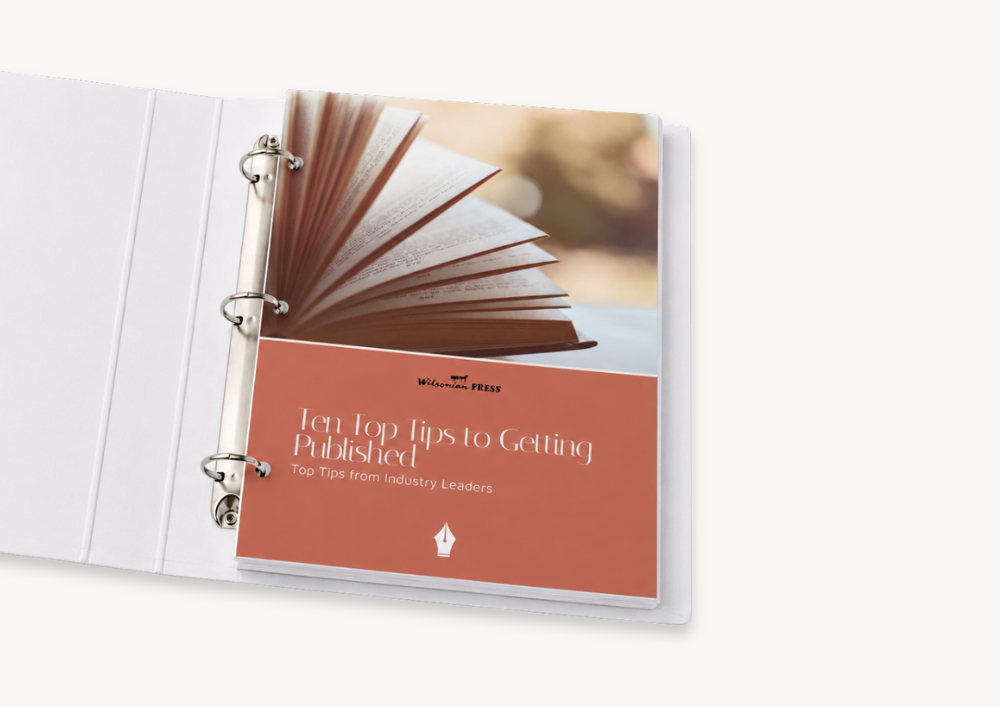
10 Top Tips to Getting Published
A 20+ page guide to getting published including a list of literary agents, an example query letter and other great tips and advice.
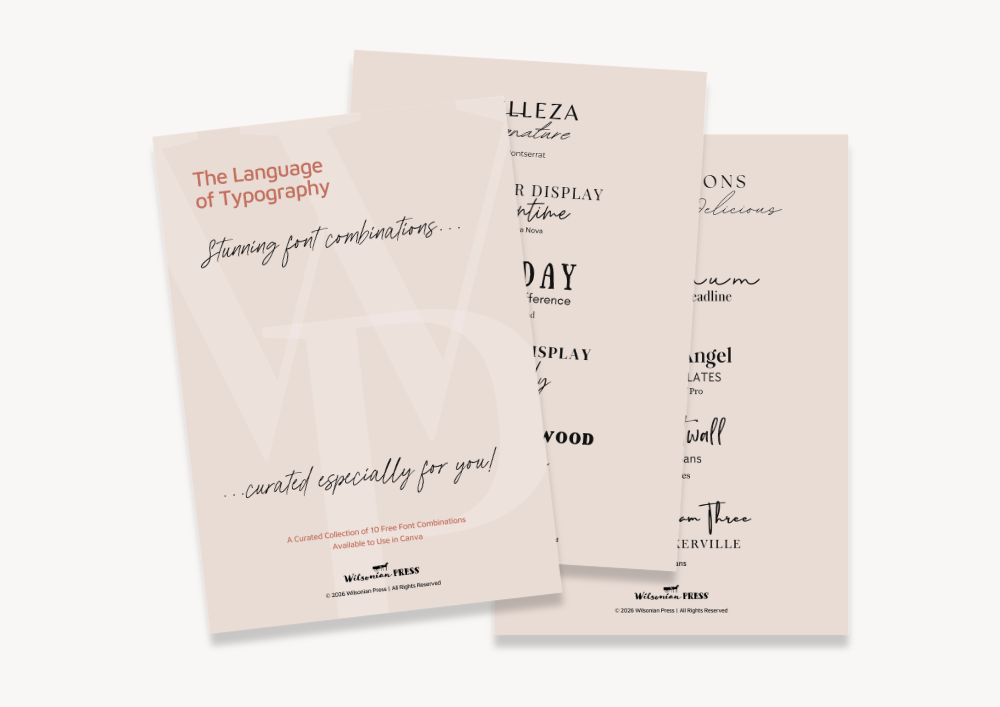
My Favourite Font Combinations
A collection of 10 personally curated free Canva font combinations to use in your publishing projects. Perfect for fixed layout books and branding.



Work With Us
Ready to level-up your manuscript?
Your manuscript deserves more than a finished draft. Explore our bespoke design and self-publishing services for professional support with book interiors, covers and the final stages of preparing your work for publication.