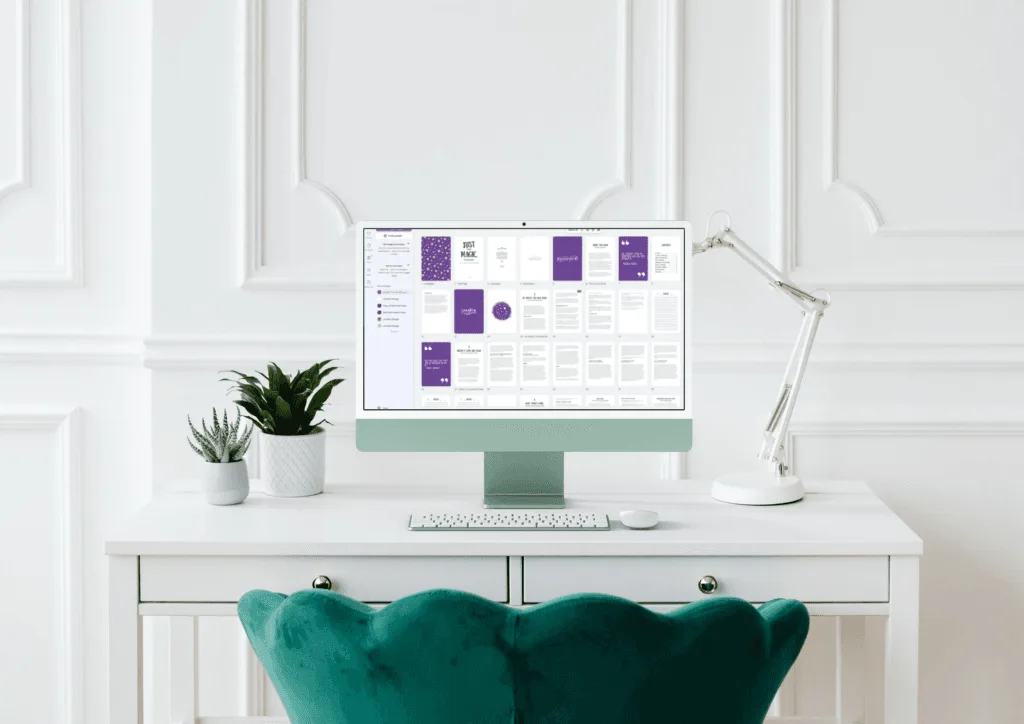
Self-publishing has never been more accessible, but formatting and designing a professional, quality book can still be a daunting challenge, especially for first-time authors. Whether you’re creating a cookbook, instructional manual, workbook or children’s book, ensuring a visually appealing layout that meets Amazon KDP, IngramSpark and other self-publishing platforms standards is crucial.
At Wilsonian Press, we understand this challenge, which is why we offer professionally designed fixed-layout book templates that take the guesswork out of formatting. Paired with Canva – the most user-friendly design tool available today – our templates empower authors to create stunning, publication-ready books with ease.
In this guide, we’ll walk you through the self-publishing process, explain why fixed-layout templates are a game changer and provide a step-by-step tutorial on editing one of our templates in Canva using only its free tools.
Self-publishing: Why Fixed-Layout Book Templates Are Essential for Non-Fiction Books
There are two main types of eBook formats:
- Reflowable Format (for text-heavy books like novels) – Text adjusts dynamically to fit different screen sizes.
- Fixed-Layout Format (for highly visual books like workbooks, cookbooks and manuals) – The design remains locked in place, ensuring elements appear exactly as intended.
If your book includes images, tables, charts or structured layouts, a fixed-layout format is the best choice.
Best for:
- Children’s Picture Books
- Cookbooks & Recipe Books
- Instructional Guides & How-To Books
- Planners & Workbooks
- DIY & Craft Books
- Journals & Motivational Books
- Financial & Business Guides
- Educational Textbooks & Training Manuals
The challenge? Fixed-layout books require precise formatting and most authors don’t have the time or design experience to achieve a professional result. That’s where Wilsonian Press templates and Canva come in.
Self-Publishing: Why Use Canva?
Canva is the simplest and most accessible design tool available today. Unlike complex programs like Adobe InDesign, Canva’s drag-and-drop interface allows even complete beginners to easily edit, customise and format their book without technical skills.
Benefits of Canva for Book Design:
Free to use – No need for expensive design software.
Drag-and-drop functionality – No complicated learning curve.
Works in your browser – No installation required.
Easily customise fonts, colours and images to match your branding.
Simple export options – Download print-ready PDF files for KDP or IngramSpark.
Our templates are specifically designed for Canva, meaning you can start editing instantly – no prior design experience required!
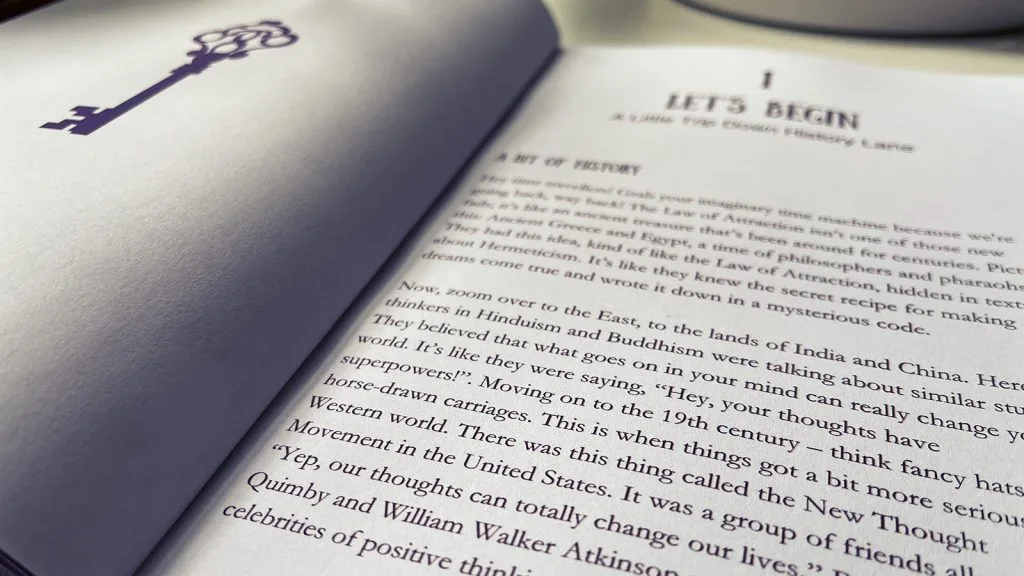
Step-by-Step Guide: Editing a Wilsonian Press Fixed-Layout Book Template in Canva (Free Version)
Follow these simple steps to customise your fixed-layout template in Canva and get it ready for publishing:
1: Purchase & Download Your Template
- Browse our growing collection of professionally designed fixed-layout book templates on Wilsonian Press or our Etsy store.
- After purchase, you’ll receive a Canva template link and instructions.
2: Open the Template in Canva
- Click the provided link to open your template in Canva.
- If you don’t already have a free Canva account, sign up – it takes just a few minutes.
3: Customise Your Book’s Content
Now the fun part! Use Canva’s intuitive editing tools to personalise your book. When using Canva’s elements (graphics, photographs, fonts etc), ensure you select the free options (thumbnails do not have a ‘crown’ icon). If you already have the pro version, then the sky’s your limit!:
Edit Text – Click on any text box to replace placeholder text with your own content. Adjust font size, spacing and alignment as needed.
Change Fonts & Colours – Use Canva’s free fonts or upload your own to match your brand (pro version required). Modify colours for headings and backgrounds to fit your style.
Add or Replace Images – Drag and drop images into designated areas. Canva provides free stock photos or you can upload your own.
Adjust Layouts & Page Order – Duplicate, move or delete pages to fit your book’s structure. Using Canva’s auto resize option, requires the pro version. You can still resize, but it will have to be done manually – ensure sure you make a copy of your original first!
Insert Decorative Elements – Add lines, icons or shapes from Canva’s free design library to enhance your book’s visuals.
Step 4: Finalise & Export Your File for Publishing
Once your book looks perfect, follow these steps to prepare it for printing or digital publishing:
- Double-check formatting – Ensure text is aligned correctly, images are clear and page numbers are correct. At the time of publish, Canva does not have an automatic page numbering feature, so if you have to add or remove a page at any time, you will have to manually adjust your page numbers.
- Check the bleed settings – Our templates already include bleed margins to meet print requirements but always double-check that any images or full colour pages extend over the full page.
- Download as a PDF (Standard – Print-Ready if you have pro version)
- Click “Share” → “Download”
- Select PDF Print
- If you have live links in your manuscript, do not ‘flatten’ your manuscript. Otherwise, ensure “Flatten PDF” is checked for best results.
- Upload to Amazon KDP, IngramSpark or your preferred platform!
Pro Tip: Amazon KDP and IngramSpark both provide free proofing tools to preview your book before publishing – always review your final file before submission!
Why Wilsonian Press Templates Are a Game Changer for Self-Publishing
- Saves Time – No need to design from scratch. Our pre-formatted templates cut down on production time.
- Ensures Professional Quality – Created by publishing experts, our templates follow industry standards for print and digital books.
- Perfect for Beginners – Designed specifically for self-publishing authors who want a polished, bookstore-ready layout without hiring a designer.
- Affordable Alternative – Hiring a professional book designer can cost hundreds but our templates offer a budget-friendly solution.
With Canva and Wilsonian Press templates, self-publishing has never been easier!
Ready to Create a Beautiful, Professional-Quality Book?
Don’t let formatting delays hold you back from publishing your book! With our easy-to-use templates and Canva’s powerful design tools, you can create a stunning, print-ready book in just a few hours.
Explore our collection and start designing today and turn your manuscript into a professionally formatted book – effortlessly!






Leave a Reply